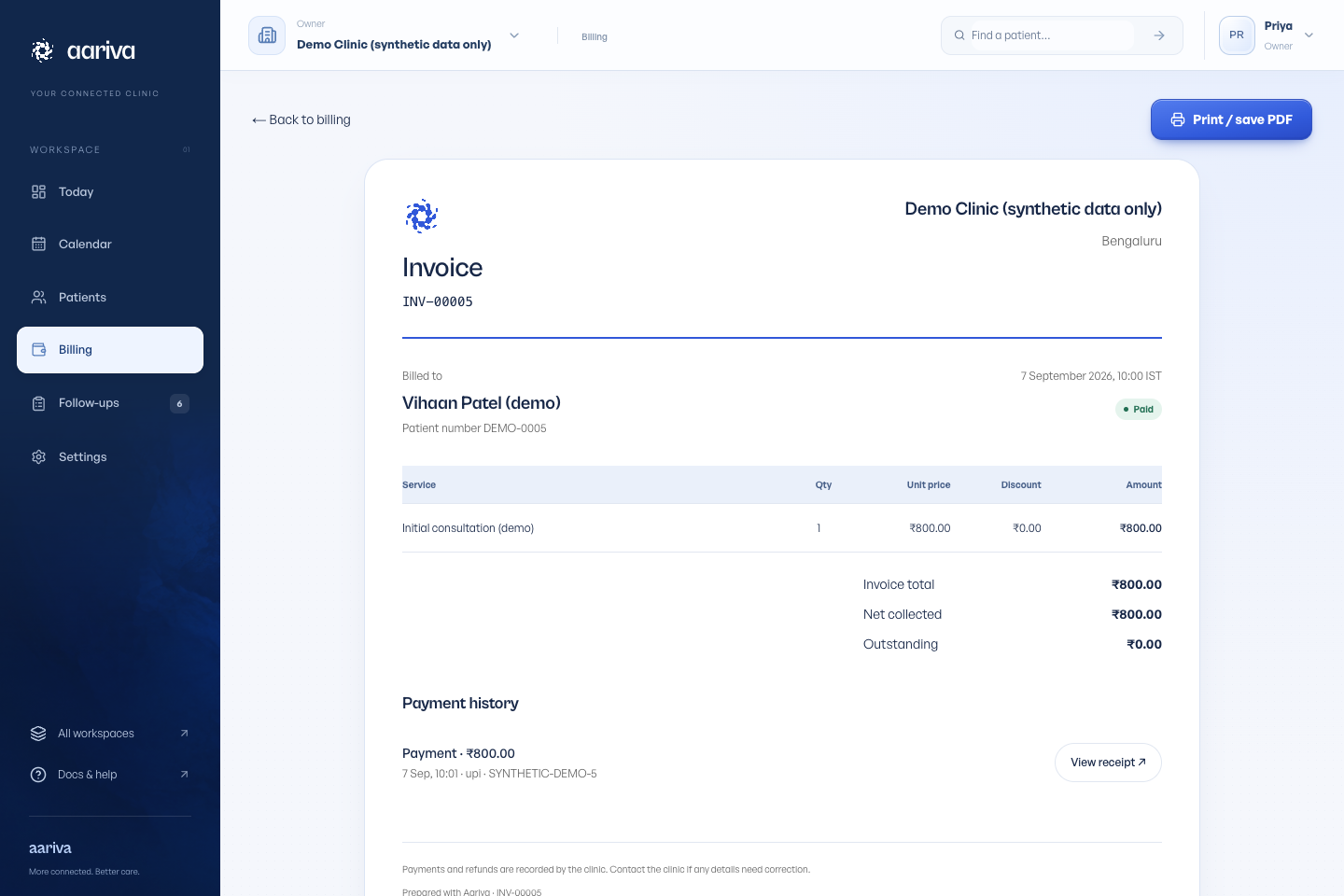
Create the invoice
Open Billing or the billing action on a patient record. Add services, quantities and any applicable discount, then review the total.
Settings → Services & prices controls the services available to your team.
Record what was collected
Record cash, UPI or card payments after collection. Partial payments leave an outstanding balance. Refunds and voids retain their history.
Recording a payment is manual bookkeeping. Aariva does not verify a bank transfer or collect online payments for you.
Print or save a PDF
Open the invoice and select Print / save PDF. In the browser dialog, choose a printer or Save as PDF.
The invoice print layout excludes app navigation. Check the logo, patient name, invoice number and totals in the preview. Browser headers and footers are controlled by the browser’s print settings.