Merge a duplicate patient
Open the duplicate chart and choose Merge duplicate. Search for the record to keep and compare the name, age, mobile, email and patient number. A shared family phone is not proof that two records belong to one person.
The preview lists the records that will move. Staff with patient editing access must explain how identity was verified and type the retained patient number. Clinical content, prescriptions, invoice amounts and payments are preserved. The original identity remains in Merge history, and old patient links and searches lead to the retained record.
Revoke active portal access and pending invitations on both records first. After merging, confirm the contact details, record fresh email reminder agreement and invite the patient again if needed. Queued reminders are cancelled and old email action links stop working. The app does not offer an undo action.
Register a patient
Open Patients and select New patient. Enter a name, mobile number, age or date of birth, and sex if known. Only the name is required. Tab moves between fields; Ctrl+Enter or Command+Enter saves the record.
Age in years is an estimate, marked About in the chart. Use date of birth instead when an exact date is known. An approximate age never creates a guessed birth date.
Expand More details to add email, city or allergies. Email is optional for registration and needed for portal invitations or email reminders. Select Send a patient portal invitation if the patient wants access and has a suitable Google account.
Find the right record
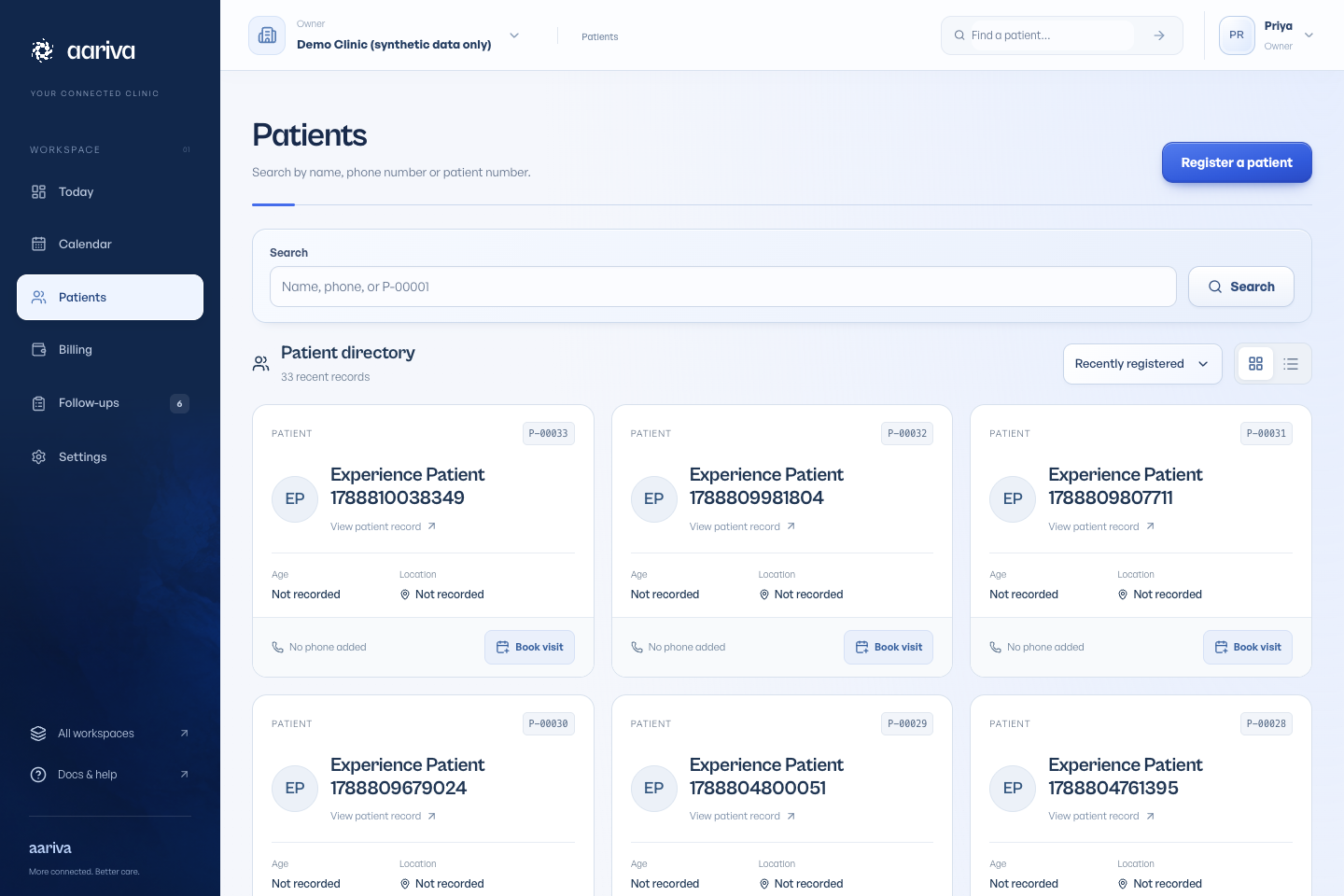
Search by name, patient ID or at least three digits from the mobile number. Spaces and punctuation in phone numbers are ignored. Names may be entered in a different order, and close spelling matches can appear after exact matches.
Check the age, sex, mobile ending and last visit before selecting a result. An approximate age has a ~ prefix. A possible duplicate is a warning to investigate; relatives can share a phone, and Aariva does not automatically combine their records.
Use the patient timeline
The timeline brings appointments, consultations, reports and billing activity together. Available actions depend on your role.
Use Edit patient details for demographic corrections. Caregiver contacts help your team reach someone, but do not grant access to the chart.