Complete each doctor profile
In Settings → Doctors & hours, add or edit the clinician’s name, specialty, qualifications, registration number and appointment duration.
An invitation connects a login to a profile. A profile created without an invitation can still be scheduled, but does not give someone sign-in access.
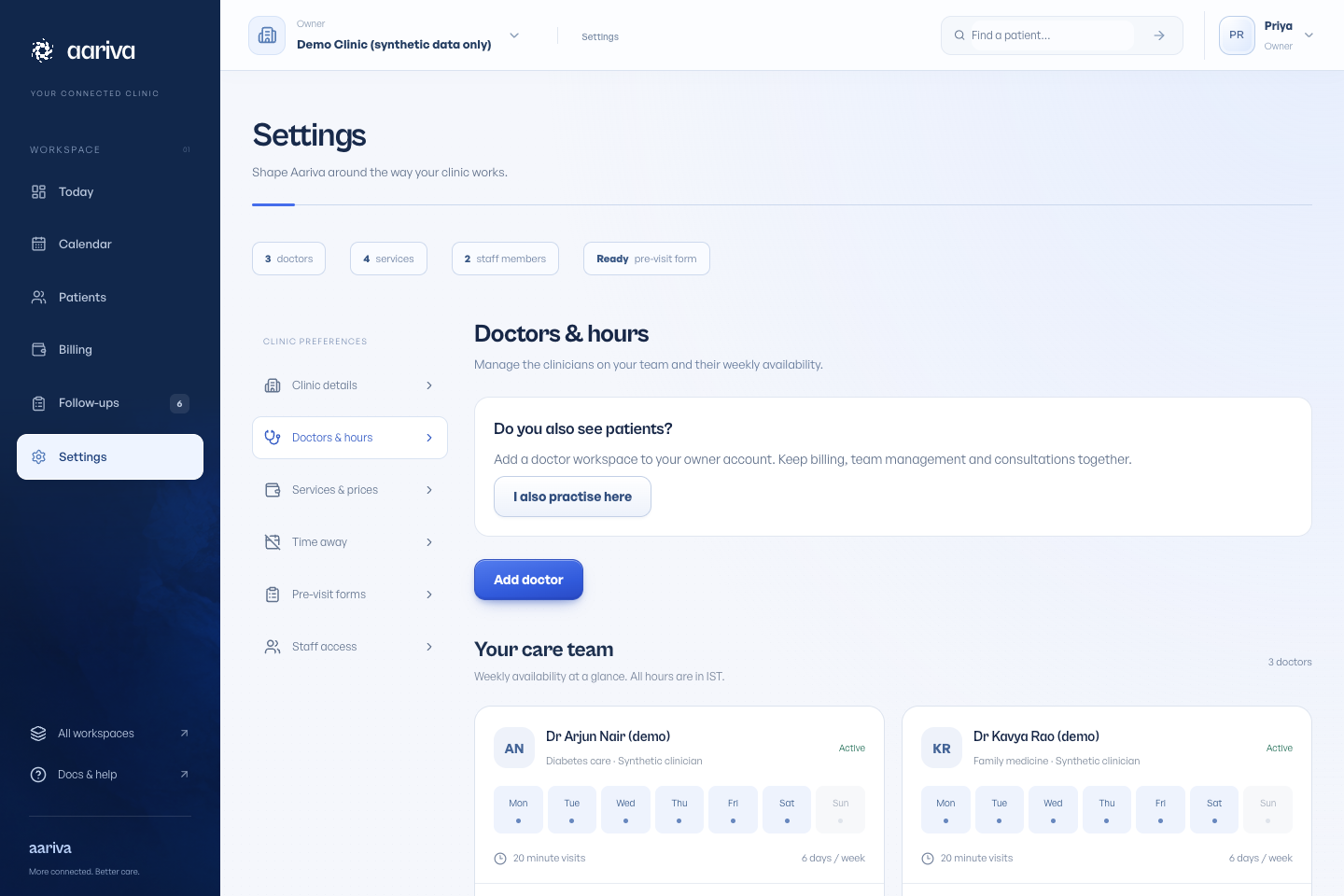
Set a working week
Open the doctor’s working hours, choose the weekdays and time ranges, then save. These hours determine the slots patients and staff can select.
New doctor creation offers Monday–Saturday hours from the start and end times entered. Review them to match the clinic’s real schedule. Profiles created through an Owner & doctor application need hours added after approval.
Add time away
Open Settings → Time away, choose the doctor, start and end date/time, and a reason. Save the blocked period.
Review existing appointments when a doctor’s availability changes. Remove a block when it no longer applies.