Find the day you need
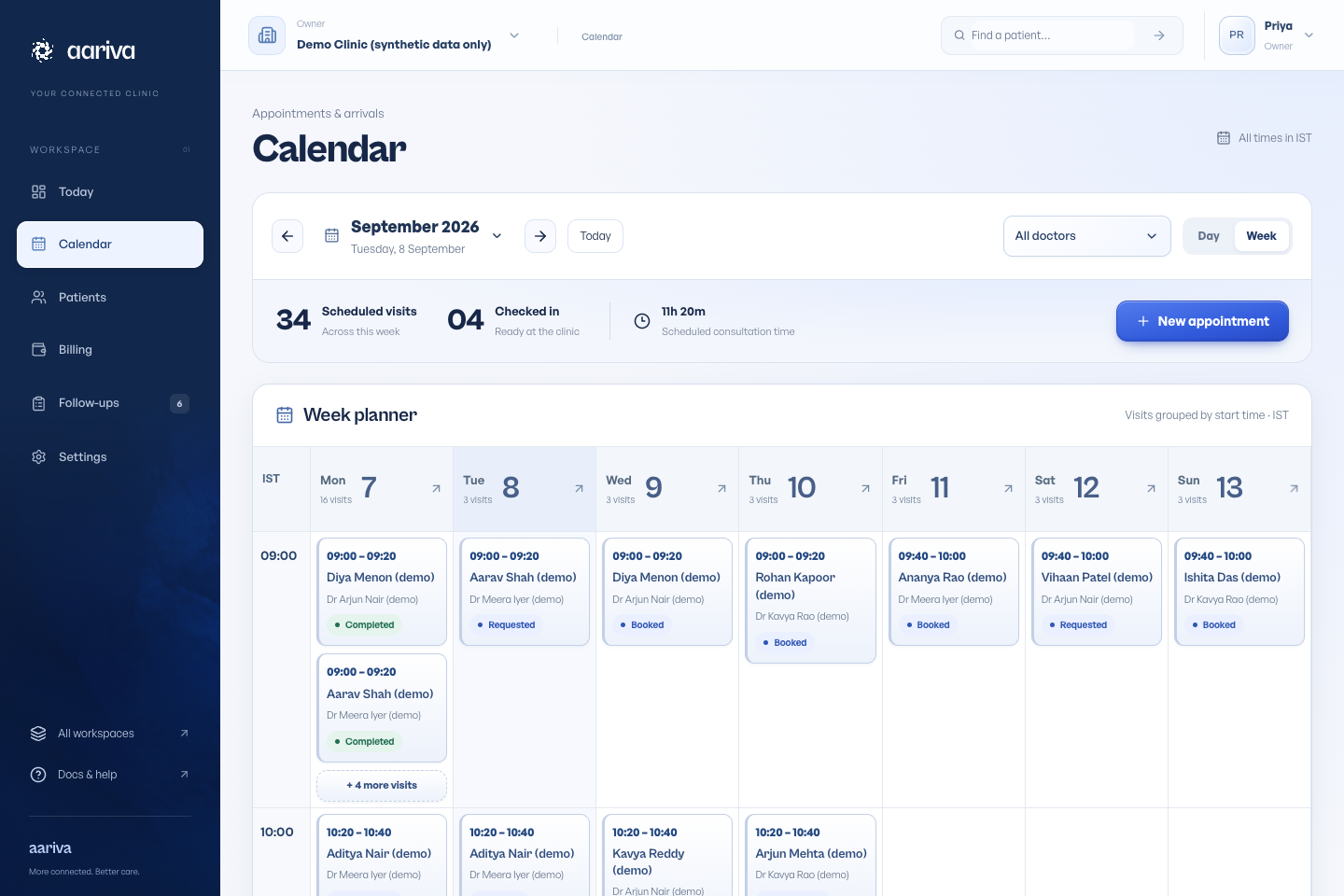
Open Calendar. Use the date picker, previous and next controls, or Today. Switch between Day and Week to change the view.
Times are displayed in the clinic’s timezone. Select an appointment to see its patient, clinician and available actions.
Create a visit
Choose New appointment or Book visit from a patient record. Pick the patient, doctor and an available time, then save.
The calendar uses the doctor’s configured hours and time away. A conflicting booking is rejected even if two people try to reserve the same slot.
Handle changes
Use the appointment’s actions to reschedule or cancel. Check the patient and time before confirming a change.
Patient requests may need staff confirmation, depending on the clinic’s instant-booking setting. A request is not automatically a confirmed visit.